Add your own logo to the Payroc App
Replace the Payroc logo on the Payroc App idle screen and header with your own logo by uploading it to your partner account.
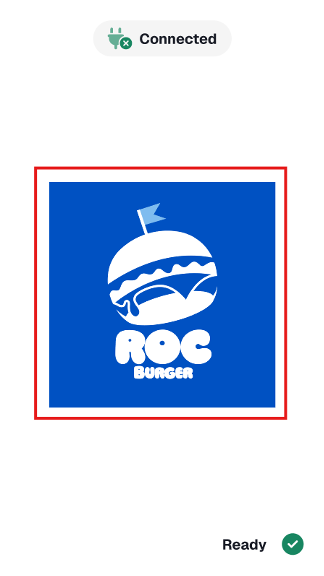
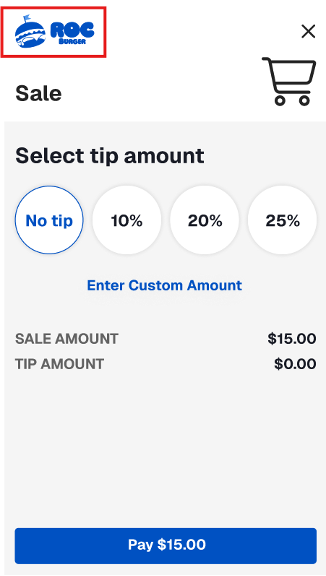
You can add your own logo to the Payroc App to create a seamless brand experience for customers. Your logo replaces the Payroc logo on the idle screen and in the header of other screens.
Idle screen logo |
Header logo |
Before you begin
Your logo's image files must meet the following requirements:
| Idle screen | Header | |
|---|---|---|
| Dimensions | 1200 x 1200 pixels | 394 x 160 pixels |
| Resolution | 72 dpi | 72 dpi |
| Format | PNG | PNG |
| Maximum size | 1MB | 1MB |
Upload your logo
Log in to https://payments.payroc.com.
On the side menu, select Billing System, and then select Partners.
Select the name of your partner account.
Upload your image files:
- To upload your image file for the idle screen, from the App Idle Screen Custom Logo field, select CHOOSE FILE, and then select your image.
- To upload your image file for the header, from the App Header Custom Logo field, select CHOOSE FILE, and then select your image.
Select Submit.
Your logo appears the next time that the Payroc App initializes.