Switch MID on your Roc Terminal+ device
Roc Terminal+ on N950, N950-S, and X800 devices
To switch to your MID on your device, complete the following steps:
- From the home screen, tap Main Menu ≡ > Settings > Select MID.
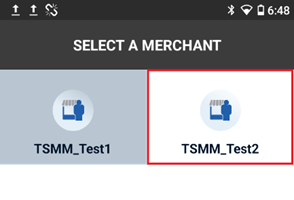
- From the list of MIDs, tap the MID that you want to switch to.
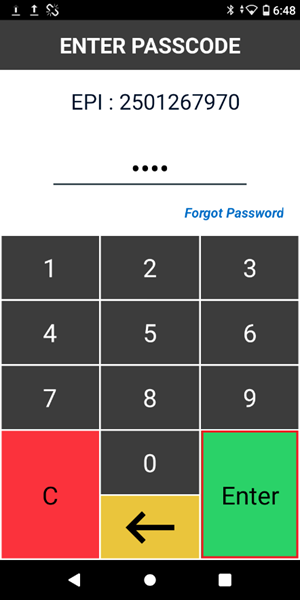
3. Enter your password, and then tap Enter. The default password is the last four digits of your EPI.
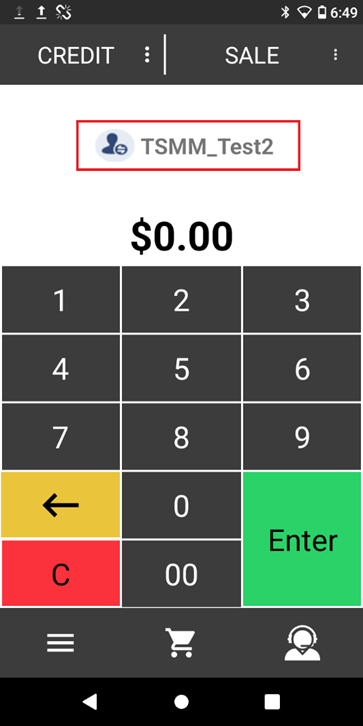
4. After you enter your password, your device displays a confirmation screen, and then the payment screen. The payment screen displays your MID.