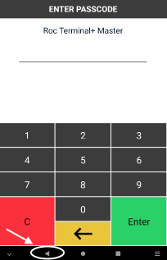
Roc Terminal+ Master Passcode
Roc Terminal+ on N950, N950-S, and X800 devices
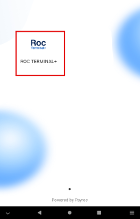
If you see the prompt for Roc Terminal+ Master Passcode, follow these steps to return to the Roc Terminal+ Application:
- Select the back button.
2. Select the Roc Terminal+ App Icon.